Measurement
Part of Measuring finance content so that activity, attribution and causal impact never blur
Finance creators reporting dashboard: measures and evidence
Finance creators reporting dashboard example: separate website events from YouTube reach, with evidence locations and release checks.
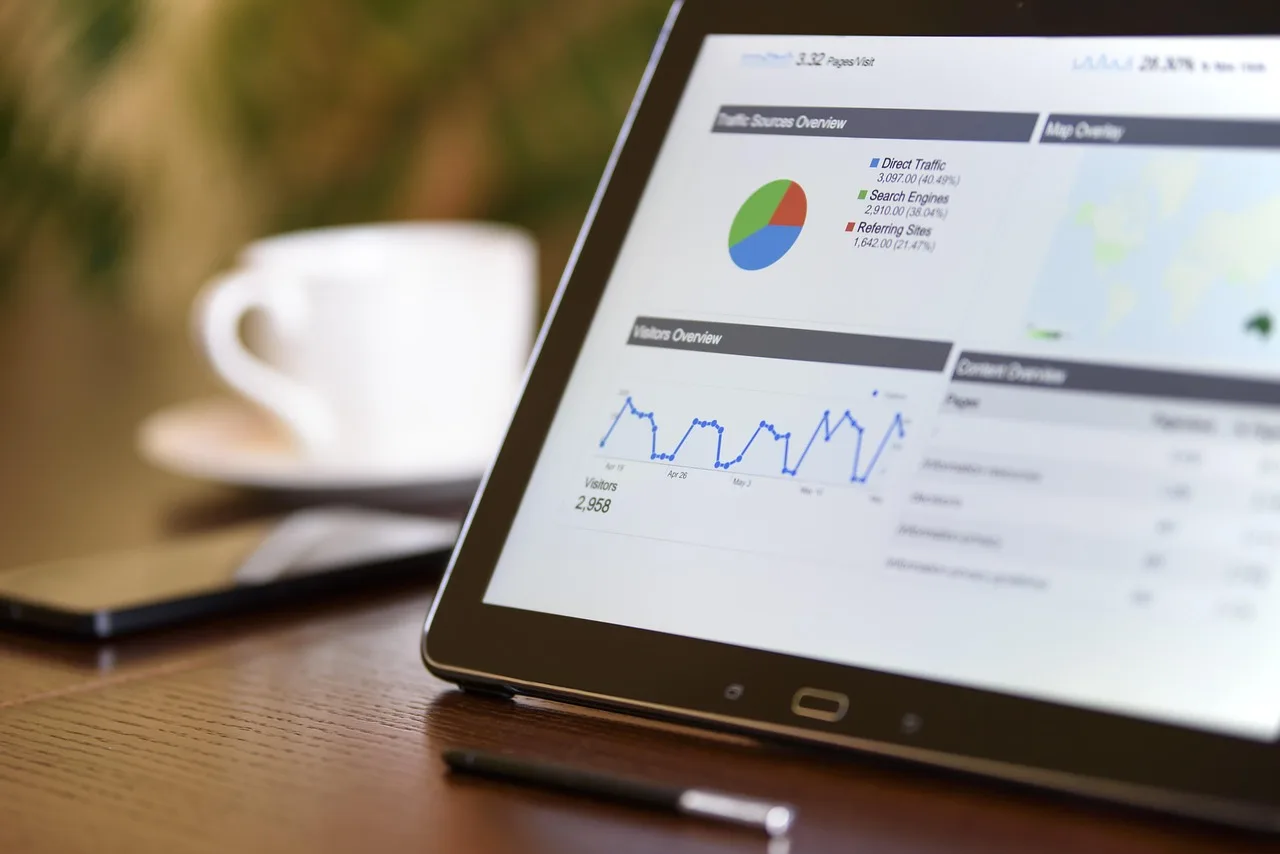
A finance creators reporting dashboard for a personal-finance partnership in England can keep website events separate from YouTube reach. This example sets out measures, evidence locations and review checks, with the reporting window, content version and status attached to each result. It helps a partner distinguish recorded activity from claims about commercial success.
Start with a named reporting template
Use the following example reporting template as the measure panel. Choose the rows relevant to the partnership, rather than filling every field by default. Keep the definition and evidence location beside the result, and add a reporting period and extraction point before sharing it with a partner.
| Dashboard measure | What it measures | Named evidence location |
|---|---|---|
| Triggered event count | Each triggered event and how many times it was triggered in the last 30 minutes | Google Analytics Realtime report, Event count by Event name card |
| Outbound click event | A click on a link to an external website | Google Analytics Realtime report, click event and its parameters |
| Thumbnail impressions | How many times thumbnails were shown to viewers on YouTube through registered thumbnail impressions | YouTube Analytics reach data |
| Thumbnail impressions click-through-rate | How often viewers watched a video after seeing a thumbnail | YouTube Analytics reach data |
| Views | The number of legitimate views for a channel or its content | YouTube Analytics reach data |
| Unique viewers | An estimated number of viewers who watched content within the selected date range | YouTube Analytics reach data |
Give each selected row a result field, a source record, a reporting window and an interpretation note. Keep an unavailable result marked as unresolved rather than entering a guessed value. Use the measurement and reporting approach to separate the recorded measure from the conclusion the partner wants to draw.
Example: an outbound-click definition card
Google Analytics events measure specific interactions or occurrences on a website or app, including link clicks, purchases and impressions served. For an outbound-click row, use a definition card that names the interaction and report. The example records what to inspect without inventing a campaign result or a conversion claim.
Card field / Example entry
- Measure name
- Outbound click events
- Interaction
- Clicking a link to an external website
- Evidence location
- Google Analytics Realtime report
- Record to inspect
- Click event and its parameters
- Count check
- Event count by Event name card
- Realtime count window
- Last 30 minutes
- Interpretation instruction
- Describe the result as click events, not purchases
- Review action
- Check the event and parameters before accepting the reporting feed
Custom events do not appear in most standard reports, so custom reports or explorations are needed for meaningful analysis. Include an export test in your software selection work. Check that the chosen output preserves the event name, reporting window and interpretation notes needed to reproduce the dashboard entry.
Keep YouTube reach measures separate
The Reach tab in YouTube Analytics provides a snapshot including click-through-rate, watch time and views. The traffic source types report shows how viewers found content within YouTube and from external sources. Use those named reports as evidence locations, rather than describing the input only as platform analytics.
Unique viewers is an estimate calculated from engaged views and their corresponding watch time. Views are counted when a video starts to play across Shorts, long form videos (VOD) and live streams. Keep the selected date range visible, and preserve the distinction between the estimated audience and the view count.
Use the reported thumbnail impressions click-through-rate for that dashboard row. Do not substitute a calculation using all video views and label it as the same measure. Before assigning commercial credit, choose and document your attribution methods, and keep any assigned outcome separate from the reach panel itself.
Match the result to reviewed content
Attach the creator, partner, published content version and review status to the measure panel. Keep an approval record linked to the version it covers. If wording, creative or the destination changes, flag that change for review rather than carrying the earlier status across automatically.
The FCA's financial promotions guidance says financial promotions on all advertising channels should be fair, clear and not misleading, and support consumer understanding. Unauthorised persons who promote a regulated financial product or service without approval from an appropriate FCA-authorised person may be committing a criminal offence.
For the internal review record, capture the approval evidence, the content version reviewed and any unresolved question. Record the selected advertising label and its placement through your disclosure policy. Keep disclosure review separate from promotion approval, rather than treating a completed label field as proof that publication can proceed.
Attach consent and quality records
The ICO's online advertising consent guidance says using storage and access technologies for online advertising purposes requires consent, including for ad selection and delivery, tracking and profiling. Attach a purpose and consent record to the affected feed, and identify who will review any unresolved question before reporting.
Advertising measurement does not require separate consent when the use of storage and access technologies is based on the user's consent. Consent must be refreshed where required, including when new third parties are involved or those technologies are used for a new purpose. Record such changes beside the affected dashboard measure.
Add data protection review notes for access, recipients and retention. For quality checks, identify missing, duplicated or unresolved records and document the proposed correction. Keep the issue beside the affected result, with an owner and review action, rather than allowing a chart to hide uncertainty about its inputs.
Example: a partner-ready release checklist
Use a release check to decide whether the report is ready to circulate, needs qualification or should be held for review. Connect it to your quality checklist, but keep the reporting checks explicit. The reviewer should be able to trace each displayed result without reconstructing its meaning from conversation.
- Each measure has a definition and named evidence location.
- The reporting window and extraction point are recorded.
- Event counts, views and estimated viewers remain distinct.
- The reported content version matches the review record.
- Consent questions and data-quality issues have owners.
- Interpretation notes remain visible in the partner copy.
Finish with a decision field: accept the reporting feed, investigate an unresolved record, revise the interpretation or hold circulation. Record the owner and next action. Avoid presenting the completed dashboard as proof of partnership success unless the evidence supports the particular claim being made about that partnership.